


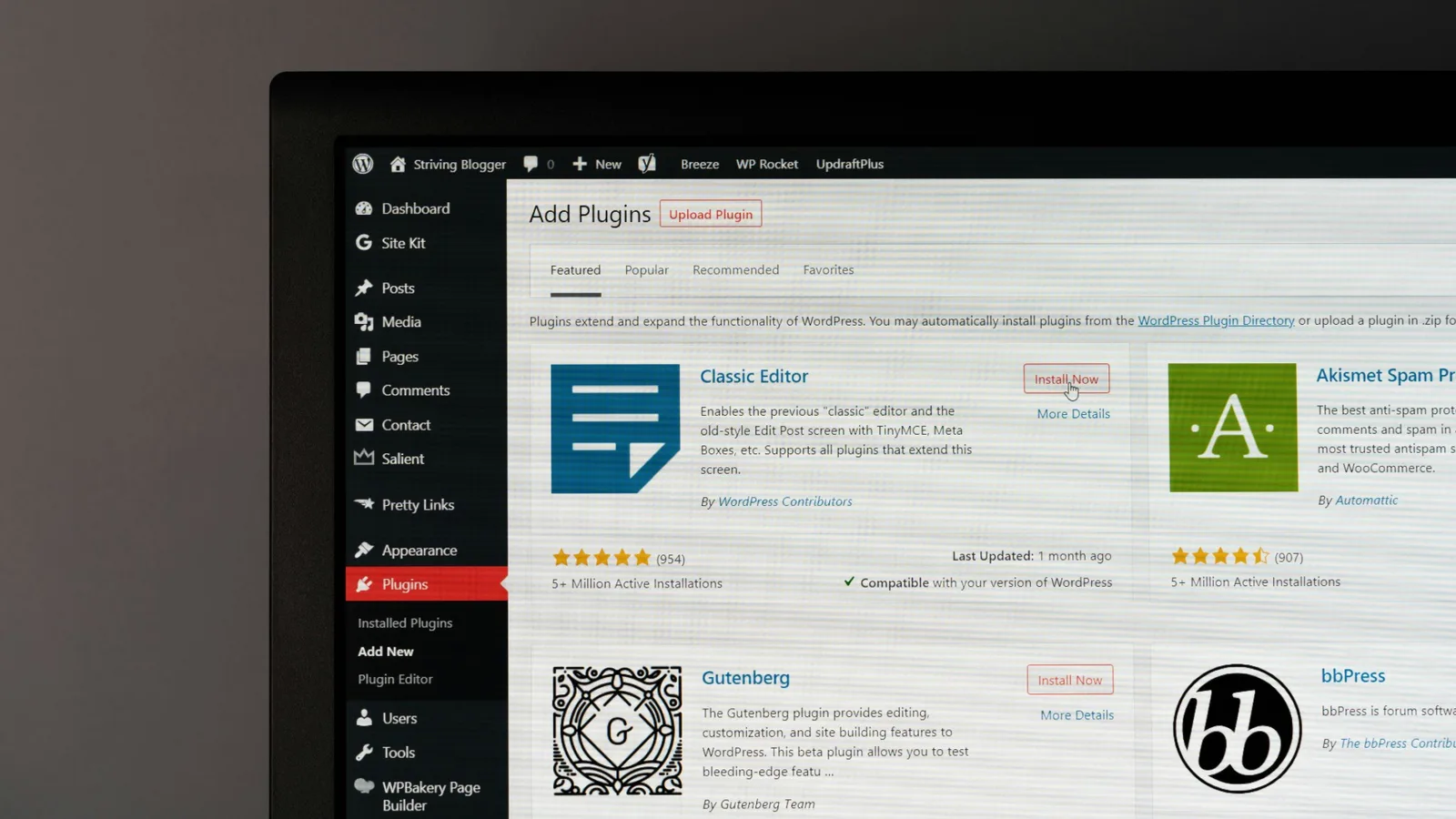
WordPress runs more than a third of all websites. W3Techs puts it at 38.5% of the whole web, and 57.4% of the sites whose content management system it can identify (W3Techs). It’s open source and free, and there’s a plugin or a theme for nearly anything you can think of. I ran my own sites on it for years before moving them to Hugo in February.
The trouble is how it builds a page. Every time someone visits, WordPress runs code on the server, written in a programming language called PHP, and asks a MySQL database for the content. Anything that runs code when a stranger asks it to can be talked into running the wrong code, and most small business websites don’t need to run any.
Why WordPress Gets Attacked
Most of the danger sits in the plugins, the add-ons that make WordPress so flexible. Patchstack, a security company that tracks WordPress flaws, counted 11,334 new ones in 2025. Plugins accounted for 91% of them and themes for the other 9%. It found six in WordPress itself, all minor (Patchstack). There’s more on who has to fix those in Who Is Responsible for Your Security Updates?
WordPress itself isn’t immune. In July 2026 it shipped an emergency fix for two flaws in its own code, known together as wp2shell. Chained, they let an attacker take over a site without a password, on a standard install with no plugins at all. According to Patchstack, attacks began roughly 90 minutes after the fix came out (University of Texas at Austin).
Attackers work through plugin flaws at scale. The security firm Sucuri has tracked one campaign, which it calls Balada Injector, since 2017. It estimates the campaign has infected more than a million WordPress sites, largely through flaws in plugins and themes, sometimes within hours of a flaw being made public (Sucuri).
If you think I’m exaggerating, put a fresh WordPress site on the internet and watch its logs. Automated scanners will find it and start trying the login page and every known flaw, and they never get bored. You can take a lot of precautions: updates, a firewall, careful choice of plugins, strong passwords. You’re still in a race you have to win every time.
Moving to an AI Website Builder
A lot of people are importing their WordPress sites into Lovable and similar AI website builders, and they’re having a great time with it. There’s nothing wrong with that.
You’ve also moved onto somebody else’s platform, when all you wanted was a website. You can export the site and host it elsewhere, and since a site like that usually builds to plain files, hosting it should cost little or nothing. That holds until you’ve added widgets that only work on the platform you started on.
What a Static Site Is
There’s another way. A static site generator such as Hugo or Jekyll builds every page of your site in advance, as plain files. Hugo is my preference, and there are plenty of others. When a visitor arrives, the server hands over a page that’s already finished. No code runs and there’s no database to ask, so there’s nothing on your web server for an attacker to talk to. What’s left to protect is your hosting account and the logins you edit with, and those are far smaller targets.
When people hear “static site”, they tend to think it means plain HTML. It’s HTML and CSS, the language that styles a page, and the CSS can be written in SCSS, an extended form that gets compiled into lean CSS. A web designer keeps the tools they already use. What’s missing is a programming language running on the server, and the problems that come with it.
Editing Without WordPress
You still need a way to write and edit, and that doesn’t mean learning code. I use Sveltia CMS, a lightweight content management system that isn’t even a plugin. It’s a folder you add to the site, and you sign in to it with a GitLab or GitHub account.
If that means nothing to you, that’s fine, because setting it up is my job. When I rescue a WordPress site, I move it onto a static site and give the client an editing screen built around what they publish and nothing more. There are no plugins, no themes and no drag-and-drop page builder. You write a blog post and fill in the fields that post needs. My requirement for every one of these is that it needs no training.
Posting to Social Media With One Tick
Most of my clients blog as part of their marketing, as I do, and they want each post on their social media. I usually recommend Buffer, which connects up to three social media accounts on its free plan. It also gives you an API key, short for application programming interface: a password that lets other software use your Buffer account. That key is what connects a Hugo site to Buffer.
For the client, it’s one checkbox. Once a post is published, they tick it. The post goes to Claude, or another AI model, which writes social media posts from what the article says, rather than “read my latest post” and a link. Those go into Buffer, and Buffer puts them out on the client’s accounts.
Behind the scenes that’s a little complicated. The person using it has two things to remember: publish the post, then tick the box. Everything else on the site gets set up once and then left alone, which is why a static site suits it.
Shops Work Too
A static site can run a shop, and there are services that add a basket and a checkout to one. A static shop is fast. If you sell merchandise and have hundreds of product photos, the difference is night and day, because most of a shop is static content anyway.
In the simplest version, a product is a blog post with a few more fields for its price and its variations. What that version doesn’t do is stock management, though even that can often be kept simple: enter how many you have, and count down as orders come in. Plenty of problems in e-commerce and blogging that look complicated have simple answers, and they rarely need PHP or a database that can be hacked.
Easy to Work on Together
I like that a static site lives in version control, which records every change and who made it. All of mine are in GitLab, so they’re easy to move and easy to share. Some of my clients publish blog posts and update their events while I work on the design and layout of the same site, and the two never clash.
For the person using it, a static site can be made easy. If you’re a web designer, you get far more control than WordPress gives you, and you’ll wonder why you didn’t try it sooner. Maybe you have.
The Bottom Line
WordPress is popular for good reasons. Every page it serves runs code and queries a database, and with a third of the web on it, attackers never stop looking for a way in. Most small business sites need neither the code nor the database. A static site gives you the same blog and an editing screen that needs no training, with nothing on the server to break into. Every site I build works this way, hosted on Static Host UK .
What’s Your Experience?
Do you use a static site generator? If not, what’s stopping you? Tell me through social media.
If you’d like to bounce some ideas around, the 15-minute assessment is free: book a call.
Photo by Justin Morgan on Unsplash